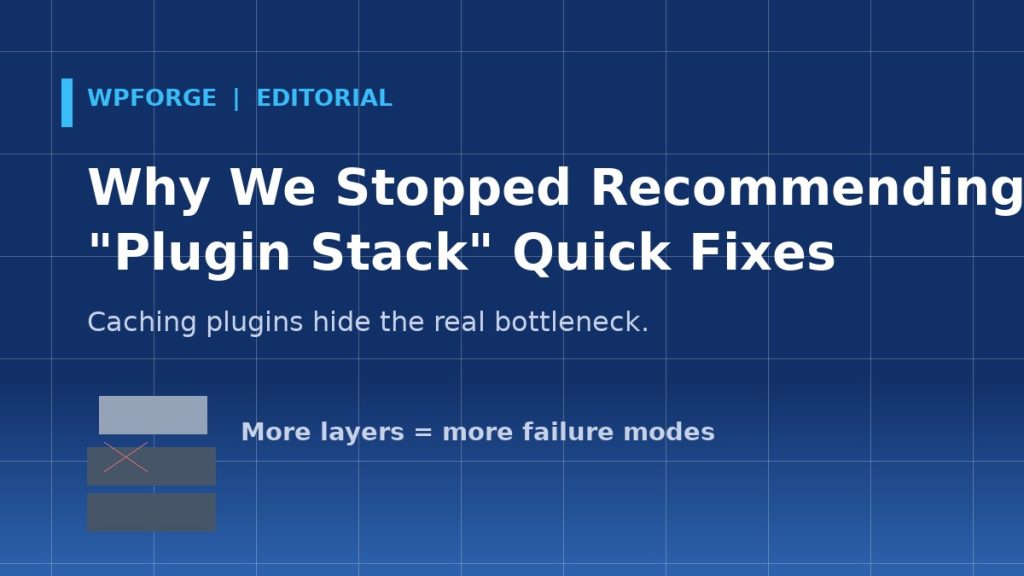
For years, the standard answer to “my site is slow” was a stack: a caching plugin, an image optimizer, a CDN, a database cleaner, a script manager. Install five plugins, toggle forty settings, pray. We recommended versions of that stack in early guides — and we have quietly been deleting that advice from our own playbook. Here is why.
Stacks hide the actual problem
When we audit client sites, the fastest diagnosis is not “which cache plugin is installed” — it is a waterfall. In the last ten speed audits we ran, the bottleneck was seven times a server-level issue (PHP version, missing object cache, underpowered hosting), twice a bloated theme, once an abusive plugin. None of those are fixed by another layer of page caching on top of a sick server.
Every layer adds a failure mode
Caching plugins conflict with cart fragments. Image optimizers serve stale files after deployments. Script managers break checkout logic that other plugins depend on. Each layer is another update that can take the store down the week before Black Friday. We have inherited more broken launches from over-stacked sites than from under-optimized ones.
What we recommend instead
- Measure first. TTFB, LCP, CLS, INP — with dates. Our speed self-check does this in two minutes.
- Fix the server floor. PHP 8.3, OPcache, object cache, sane PHP-FPM workers. These are settings, not plugins.
- One caching decision, owned. Either your host’s full-page cache or a single plugin — not both, and never both plus a CDN plugin duplicating the same rules.
- Only add a layer when a measurement demands it.
Slower content, we know. But “install these five plugins” was always someone else’s shortcut. If you want a second opinion on your stack, our free 25-point audit reads exactly like this article — measurements first, then the shortest path to fixed.
