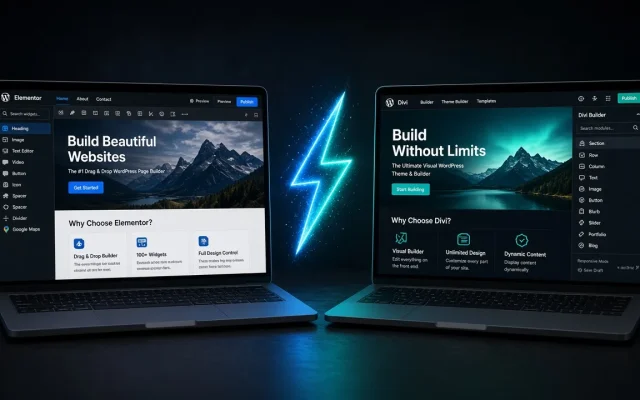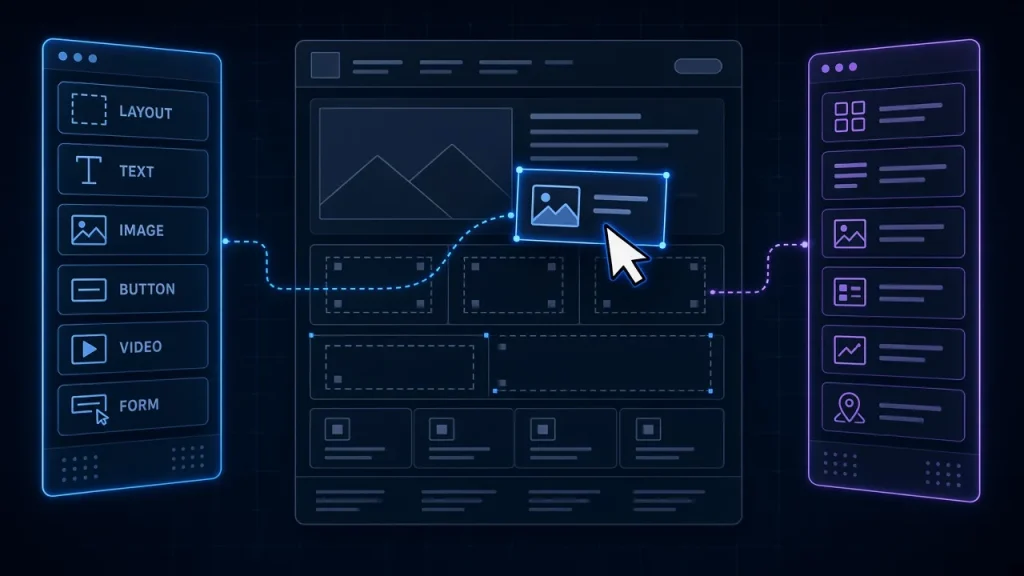
Page builder themes are seductive: drag, drop, publish, no developer. The bill arrives later, disguised as “flexibility.” We have extracted four client sites from builder themes in the past two years, and the pattern is consistent enough to describe precisely — what gets locked, what the exit costs, and how to enjoy builders without the trap.
What actually gets locked
- Layout data. Page structures live in the builder’s proprietary storage — shortcodes, JSON blobs, or serialized arrays in post content. That data is meaningless outside the builder.
- Design decisions. Global colors, spacing, and typography resolve through the builder’s settings at render time, not in portable CSS.
- Widget/module behavior. Builder-specific modules (their accordions, their forms) have no standard-WordPress equivalent — content inside them does not survive migration.
Contrast this with block-based or settings-based themes: block markup is core WordPress data; theme settings are re-creatable from exports. It is why our comparisons favor those architectures for future-proofing — Blocksy vs GeneratePress documents both exit paths.
What an exit actually costs
From real projects: a 40-page marketing site took 6 developer-days to migrate (layout rebuild in native blocks, module content extraction, redirect QA). An 120-page site with dense builder layouts took 3 weeks. Content survives; design is rebuilt; the builder’s custom modules are rewritten by hand. Multiply your page count by your builder’s module density and be honest about the result.
Why the lock-in compounds
Builder updates change output markup, so old pages need re-checking after each major release. Teams respond by freezing updates — which then becomes a security risk, documented in the security guide. Lock-in turns into update-debt turns into risk. It is the quiet reason abandoned builder sites fail audits.
Building with an exit plan
- Use the builder for campaign pages, not for site architecture — headers, footers, and templates belong to the theme’s native systems.
- Prefer builder blocks that map to core WordPress equivalents (headings, lists, images) over exotic modules.
- Keep global design tokens in the theme, not the builder, so a theme swap carries them forward.
- Re-evaluate annually: is the builder still earning its weight against the speed tax it charges?
The honest trade-off
Builders remain the right tool for teams that iterate on layouts weekly and accept the dependency knowingly. The problem is not using them; it is using them invisibly. If you are not sure how locked your current site is, the free audit reports how much of your content depends on builder-specific storage.
When page structure and design live in a builder's proprietary format rather than standard WordPress data, making theme or builder changes require rebuilding layouts. Real projects: 6 developer-days for a 40-page site, up to 3 weeks for 120 dense pages. Content survives; layouts and custom modules are rebuilt by hand. Mostly — block markup is core WordPress data that survives theme changes. Theme-specific block variants still need remapping, but nothing approaches builder-format lock-in. Not necessarily. Use it for pages that change weekly, keep architecture in native theme systems, and re-evaluate annually against its speed and update costs.What is theme lock-in in WordPress?
How much does it cost to leave a page builder theme?
Are block themes immune to lock-in?
Should I stop using my page builder?