Debugging on production has a cost profile nobody prices in: every experiment runs against the revenue endpoint. The staging workflow is not bureaucracy — it is how a site-breaking diagnostic becomes a reversible procedure. Ours has five steps, and two common mistakes that make staging worthless.
The workflow
- Clone honestly. A staging copy needs the real data to reproduce real bugs: files plus database, URLs search-replaced (wp search-replace old→new), and the same PHP version as production. A staging site with different PHP is a different site — bugs that reproduce on one may not exist on the other.
- Reproduce first, change second. Confirm the bug appears on staging before touching anything. Bugs that will not reproduce are usually environmental (cache state, server config) — that finding redirects the whole investigation, as in the AJAX diagnostics.
- Diagnose with instruments: Query Monitor, WP_DEBUG_LOG, and the halving method run freely here — this is the environment where deactivating half the plugins costs nothing.
- Fix and verify the whole surface. Not just the bug: test checkout, forms, and the flows that matter. A fix that breaks checkout converts one incident into two.
- Deploy the fix, not the mystery. Move the specific change — the updated plugin version, the reverted template, the config line — then re-verify live. Then either re-clone staging to match, or it drifts into uselessness.
The two mistakes that make staging worthless
- Drift. Staging that is months old reproduces nothing relevant. Re-clone at the start of every debugging engagement; the minutes cost less than one false diagnosis.
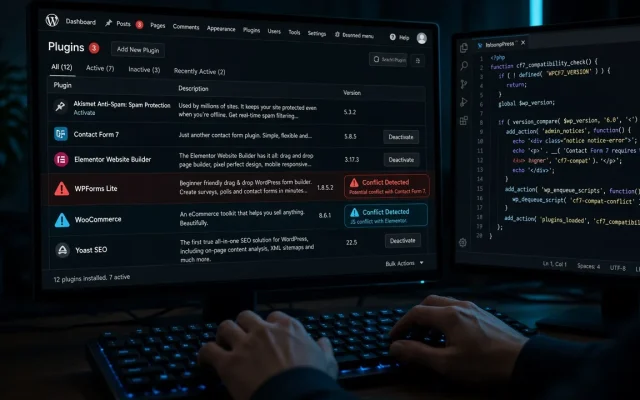
- Staging with staging-config. Debugging plugins active on staging but never on live (Query Monitor, debug constants) means the environment differs from production in exactly the ways that matter. Match the stack, add instruments temporarily.
When live debugging is justified
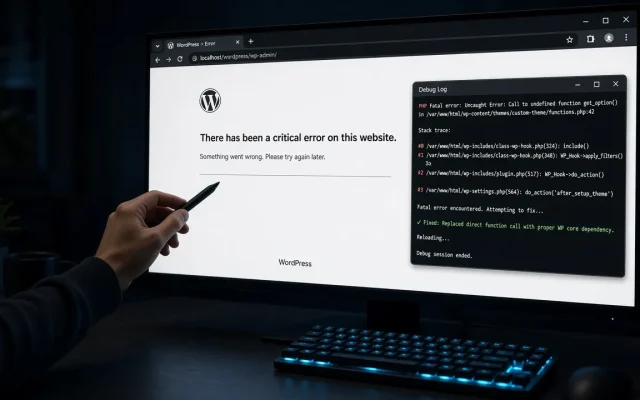
Emergencies with no staging available, and read-only diagnostics (log reading, Query Monitor observation, browser console) — the observation layer of the WSOD recovery is deliberately non-destructive. Changing things on live is for fixes whose blast radius you have already measured on staging.
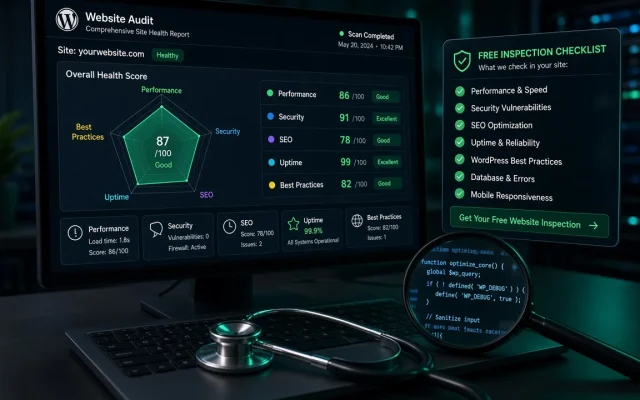
If your host offers one-click staging, use it — the clone step becomes a click. If it does not, the manual clone is an hour you will thank yourself for. The free audit flags when a site’s setup makes staging impossible ( undersized hosting, hard-coded URLs ).
For anything that changes state — deactivations, updates, edits — yes. Read-only observation can happen on live; experiments belong on a clone where mistakes are free. Re-clone at the start of each debugging session: files + database with URLs search-replaced, same PHP version. Stale staging reproduces nothing relevant and misleads diagnostics. Debug with a different PHP version, leave debug-only plugins configured differently than live, or deploy an unverified fix. Environment mismatch is the top cause of 'fixed it, it broke again'. Deploy the specific change — updated files, plugin version, or database rows — not a blanket copy. Then re-verify the critical flows on live and refresh staging.Do I need staging to debug WordPress?
How do I keep staging in sync with production?
What should I never do on staging?
How do I push a fix from staging to live?