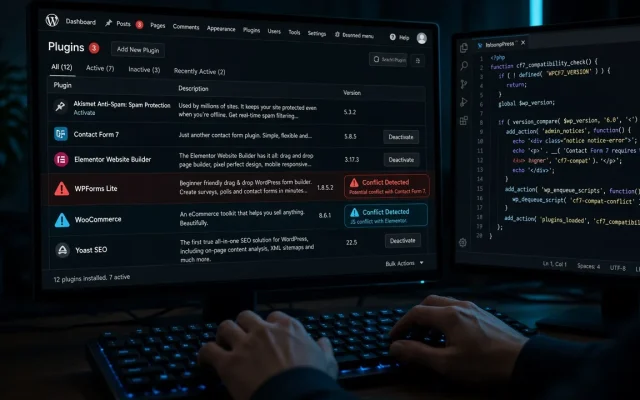
When a plugin conflict breaks something — a form dies, checkout loops, styles vanish — most people’s instinct is to deactivate plugins one by one, starting alphabetically. On a site with 30 plugins that is a worst-case, hours-long march. The method we use on client sites finds the culprit in roughly log₂(n) tests: fifteen plugins, four tests. Here is the exact procedure, plus the conflicts we find most often.
Before you touch plugins: pin down the symptom
- What exactly breaks, for whom, since when? A form that fails only for logged-out visitors points to caching (see the role-content test), not conflicts. Something that broke “yesterday” without changes points to an auto-update — check
wp plugin list --update=recentfirst. - Reproduce on demand. If you cannot trigger the bug reliably, you cannot verify the fix. Find the URL, the user role, the sequence.
- Check the browser console (F12 → Console): a JavaScript error naming a plugin’s script file is a suspect handed to you. Half the “conflicts” we diagnose are visible in the console in one glance.
The halving method
Goal: isolate the culprit with the fewest deactivation rounds, keeping the site functional between tests. Do this on staging if at all possible; on live, do it in a low-traffic window and re-activate between rounds.
- Halve: deactivate half the plugins (keep the obviously critical ones active — WooCommerce, the membership system).
- Test the symptom in a private/incognito window (bypass any cache; clear it or add a cache-buster).
- Halve the guilty group: symptom gone → culprit was in the deactivated half; re-activate half of those. Symptom persists → culprit is still active; deactivate half of what remains.
- Repeat until one plugin is isolated. 16 plugins = 4 rounds, 30 plugins = 5 rounds.
- Confirm: culprit deactivated → symptom gone; culprit reactivated alone → symptom returns. Only then do you have a finding.
What to record between rounds
Keep a running note: round, what was deactivated, result. When the culprit is found you want its version, the version of the plugin it conflicts with, and the exact URL — that is what you need for the support thread or the GitHub issue. We also snapshot the site before starting (backup with a tested restore — the halving method is safe, but its safety assumes you can undo mistakes).
The conflicts we find most often
- Two minifiers. A cache plugin’s minification plus an optimizer plugin’s minification produces mangled JS — symptom: half the interactive elements die. The fix is disabling one, detailed in the WP-Optimize review.
- Two page-cache layers. Cache plugin + server cache + CDN cache all rewriting the same HTML. Stale content, wrong-language pages, leaked role pricing.
- jQuery migrations vs old sliders. A theme’s bundled slider script using removed jQuery APIs breaks after updates.
- Optimization plugins unloading what forms need. Script unloading is a great tool with a footgun: unload a dependency and the form fails silently.
- Security plugins’ firewall rules. Wordfence/Sucuri rate-limiting or blocking the AJAX endpoints of forms and membership plugins.
When it is not a conflict
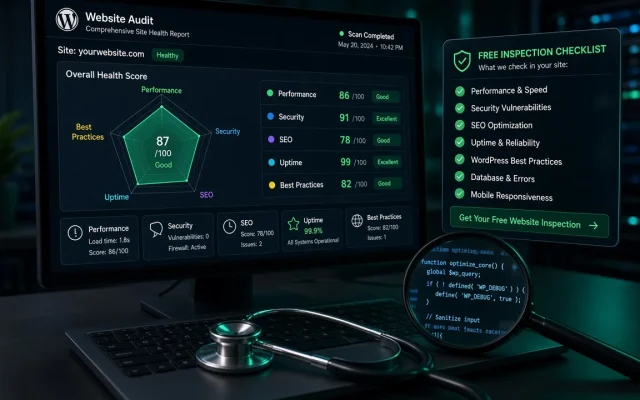
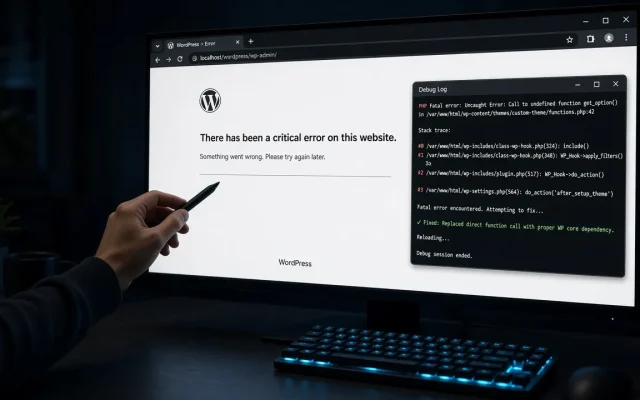
Symptoms that persist with all plugins deactivated point at the theme, the server, or core. Switch to a default theme briefly, and check debug.log — the full escalation path (plugins → theme → server) is laid out in the WSOD recovery guide. And if this is beyond what you want to touch, the free audit maps which plugins on your site are known conflict-prone combinations.
Use binary search: deactivate half the plugins, test the symptom, then keep halving the guilty group. You isolate the culprit in log2(n) test rounds — about 5 rounds even on a 30-plugin site. No — deactivating a plugin never deletes its data. Worst case you deactivate something critical and re-activate it. Take a backup first anyway; the method assumes you can undo. Usually an auto-update changed one side: a jQuery API removal, a renamed function, a new firewall rule. Check recently updated plugins first — the conflict is often less than two weeks old. Staging whenever possible. On live, test in low-traffic windows, re-activate between halving rounds, and expect brief windows where features are off.How do I find which two WordPress plugins conflict?
Can plugin conflicts break my site permanently?
Why do two plugins that used to work together break?
Should I deactivate plugins on live or staging?