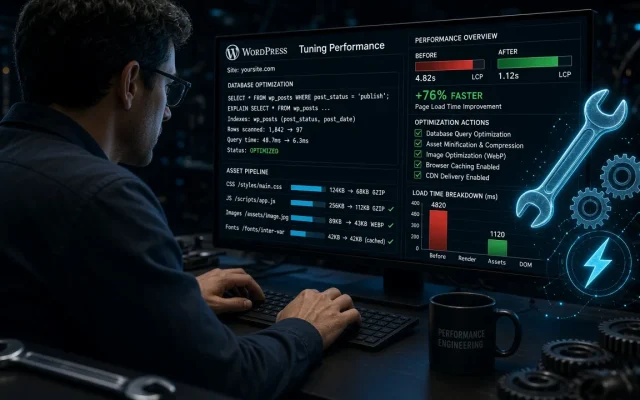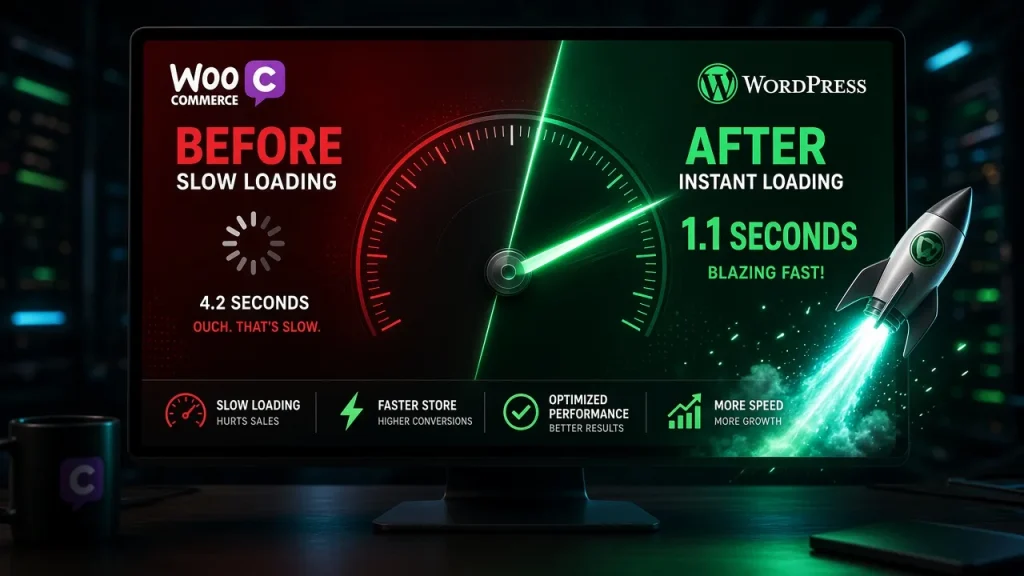
Run a coverage audit on a typical WordPress page and the finding repeats: 40–60% of shipped CSS and JS is never used on that page. Themes load slider libraries on pages without sliders; plugins load their admin CSS front-end; builders ship everything everywhere. Script managers fix this by unloading assets per page — the surgical approach our theme bloat audit recommends after measurement.
The three options
| Plugin | Model | Price | Stands out for |
|---|---|---|---|
| Perfmatters | Per-page + global toggles | ~$25/yr | Clean UI, script delay feature, minimal footprint |
| Asset CleanUp | Per-page + bulk rules | Free / ~$49 Pro | Deepest per-asset control, free tier usable |
| Flying Press | All-in-one optimizer + unloading | ~$59/yr | Combines unloading with caching/CDN features |
Measured on a bloated demo site
Our demo (multipurpose theme + 14 plugins, 612 KB JS / 341 KB CSS on home):
| Plugin | JS after | CSS after | LCP before → after | Time to configure |
|---|---|---|---|---|
| Perfmatters | 388 KB | 214 KB | 2.4s → 1.5s | 90 min |
| Asset CleanUp | 371 KB | 198 KB | 2.4s → 1.4s | 150 min |
| Flying Press | 342 KB | 187 KB | 2.4s → 1.3s | 60 min (coarser rules) |
The trade-off nobody mentions: breakage risk
Unloading is where performance work gets dangerous — unload a script another plugin depends on and forms die silently. Our protocol from the conflict diagnostic applies:
- Change one rule at a time; test the page’s interactive elements (forms, sliders, checkouts) after each.
- Keep a log — Perfmatters and Asset CleanUp both store configs, but nothing records “what worked”.
- Prefer “unload everywhere, load here” (bulk rules) over per-page whack-a-mole on large sites.
Which one
- Agencies/consultants: Perfmatters — fastest to configure well, best delay feature for analytics scripts.
- DIY on a budget: Asset CleanUp free — slower but genuinely capable at zero cost.
- Want one optimizer instead of three: Flying Press — combines the layers, less granular.
But sequence matters: fix the theme’s structural weight first, then trim with a script manager. Unloading a bloated theme’s leftovers is treating symptoms; the free audit tells you which situation you are in.
On our bloated demo: 612→388 KB JS and LCP 2.4→1.5s with Perfmatters. On already-lean sites the gains shrink — measure coverage first to know your headroom. Perfmatters for speed of configuration and a cleaner UI; Asset CleanUp for deeper free-tier control. Both unload effectively; the difference is ergonomics and price. Yes — unload something another plugin depends on and its features die silently. Change one rule at a time and test forms, sliders, and checkout after each change. It defers third-party scripts (analytics, chat widgets) until user interaction. It cut 300+ KB of initial weight on our test — ideal for scripts nobody needs before first scroll.Do script manager plugins really help speed?
Perfmatters or Asset CleanUp — which is better?
Can unloading scripts break my site?
What is script delay in Perfmatters?