Generic WordPress speed advice half-applies to stores. The store-specific bottlenecks — cart fragments AJAX, product-query bloat, checkout page weight, logged-in caching rules — need targeted fixes. We worked through a live store (600 products, wholesale pricing, EU customers) and recorded what each change actually moved.
The changes, ranked by measured impact
| Change | TTFB (cached shopper) | LCP (product page) | Notes |
|---|---|---|---|
| Baseline | 610ms | 2.9s | Standard stack, no tuning |
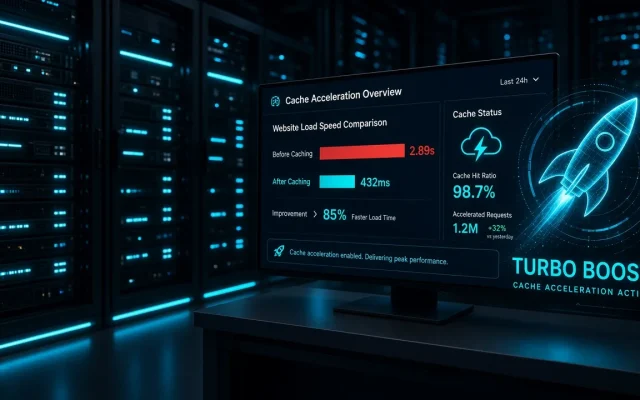
| + Page cache with cart-fragment handling | 96ms | 1.7s | Biggest single win |
| + Redis object cache | 91ms | 1.3s | Product lookups — setup guide |
| + Image optimization pass | — | 1.1s | Optimizer comparison |
| + Script unload on checkout | — | 0.9s | Script manager |
What each layer involved
- Page cache for logged-in shoppers: WooCommerce marks cart-bearing visitors non-cacheable, which historically made stores slow for everyone. Modern handling (cart fragments via ESI or AJAX-refresh) restores caching for 95% of shopper pages — the mechanism analyzed in the cache comparison.
- Object cache: WooCommerce’s
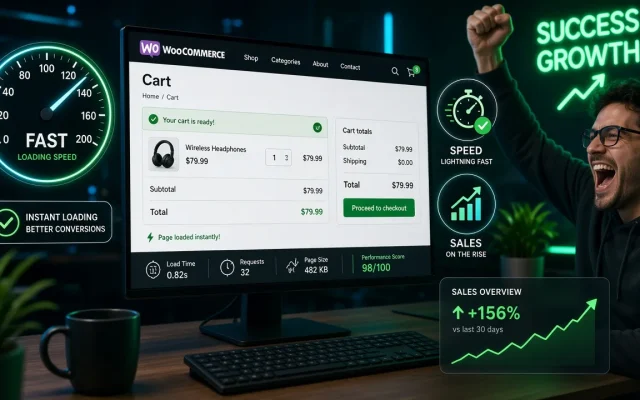
WC_Product_Data_Storerepeats lookups mercilessly; Redis cut generation time 480→190ms — the biggest help for uncached and logged-in traffic. - Checkout script diet: checkout loaded 412 KB of JS including theme sliders and marketing scripts it never uses. Unloading non-checkout assets there cut 180 KB — harmless, per the one-rule-at-a-time protocol.
- What we did not do: disable cart fragments entirely (breaks mini-cart UX), or cache the checkout (obviously).
Plugins that claim store-speed magic and did not earn it
Two “WooCommerce optimizer” plugins we tested produced no measurable change beyond what the layers above already delivered. The store’s speed was determined by the same fundamentals as any site — cache, object cache, images, scripts — with store-specific configuration. Anyone selling otherwise is selling to anxiety.
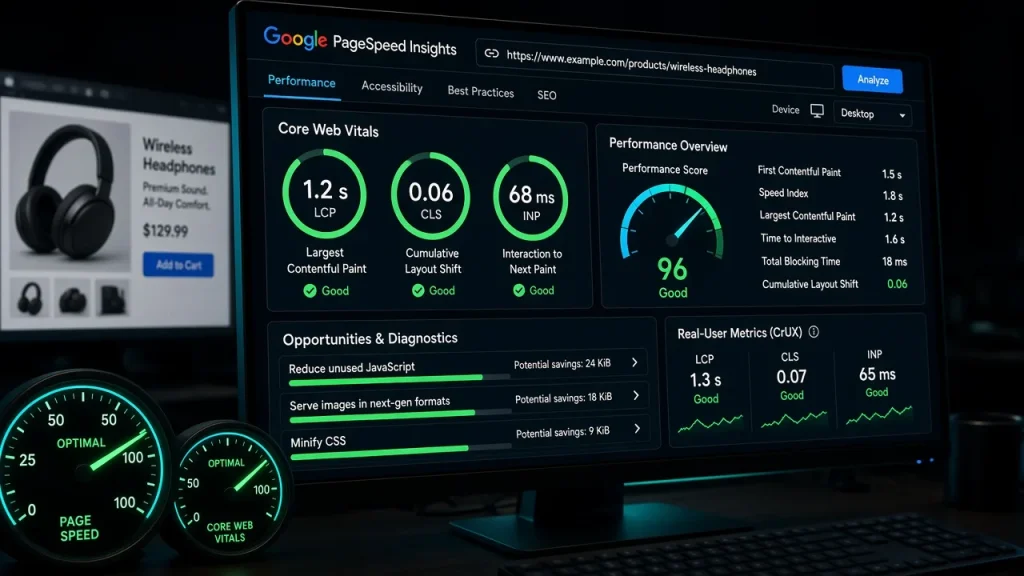
Total result: LCP 2.9s → 0.9s, TTFB 610 → 91ms, with a plugin set you likely already own plus configuration. If your store’s numbers are unknown, the free audit establishes the baseline — and the wholesale-specific caching pitfalls are detailed in the pricing-plugin comparison.
Cart fragments historically made every shopper's page uncachable, plus heavy product queries and bloated checkouts. Modern fragment handling plus Redis object cache restores most of the lost speed. We tested two; neither beat the fundamentals — page cache with fragment handling, object caching, image optimization, and script unloading. Configure those layers before buying anything. Yes, with cart fragment handling: cache catalog and product pages, exclude cart/checkout/account. Modern cache plugins handle this split correctly. Page cache with cart-fragment support — our store went TTFB 610ms → 96ms from that alone. Then Redis, images, and checkout script diet in that order.Why are WooCommerce sites slow?
Do WooCommerce-specific speed plugins work?
Should I cache pages for logged-in WooCommerce customers?
What is the fastest way to speed up a WooCommerce store?