“Briefly unavailable for scheduled maintenance. Check back in a minute.” — and then it is still there twenty minutes later. WordPress creates a .maintenance file in the site root during updates and deletes it when they finish. If the update dies midway (slow host, timeout, tab closed, server hiccup), the file stays and every visitor — you included — is locked out. The fix is deleting one file.
The fix
- FTP/SFTP: enable “show hidden files”, delete
.maintenancefrom the site root (the folder with wp-config.php). - SSH:
rm /path/to/site/.maintenance - WP-CLI:
wp eval 'unlink( ABSPATH . ".maintenance" );' --allow-root - Hosting file manager: same as FTP — most panels’ file managers show dotfiles after a settings toggle.
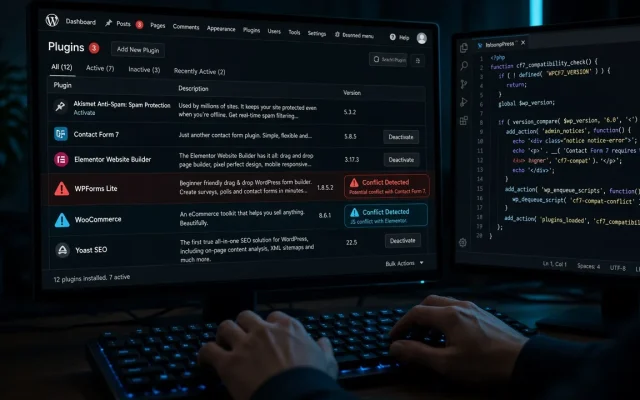
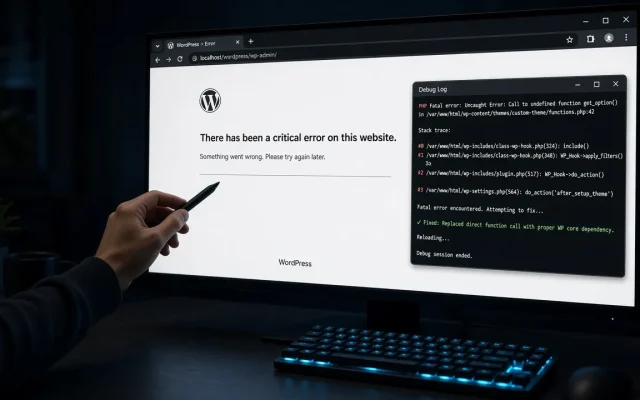
Site returns instantly. If it comes back broken instead, the interrupted update left a half-updated plugin — finish the job with wp plugin update --all --allow-root or reinstall the affected plugin, per the critical error guide.
Why it keeps happening on some sites
- Bulk-updating many plugins at once on slow hosting: each plugin is a window for the interruption. Update in smaller batches.
- PHP timeouts:
max_execution_timetoo low kills long update chains mid-flight. 120s+ for update-heavy sites. - Closing the browser tab during updates: the request continues server-side, but some hosts kill it. Just wait for the “updated” screen.
- Shared hosting resource throttling coinciding with update time — off-peak updates reduce the odds.
Prevention that actually works
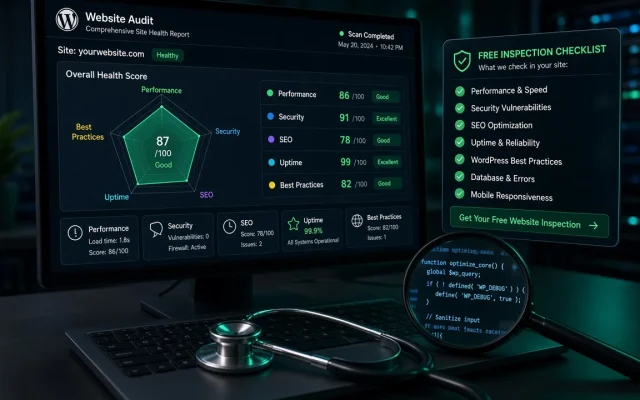
Run updates via WP-CLI on a schedule (it retries cleanly), keep a tested backup so an interrupted update is an inconvenience rather than a crisis, and never update plugins and themes simultaneously on live. If your site keeps getting caught mid-update, the free audit includes an update-configuration check.
A .maintenance file in the site root survived an interrupted update. Delete it via FTP, SSH, or your hosting file manager — the site returns immediately. The mode itself is harmless — it is a flag file. The risk is the half-finished update behind it: verify plugin versions after deleting the file and complete any partial updates. Update in small batches on a host with adequate PHP timeouts, don't close the tab mid-update, and schedule bulk updates via WP-CLI which handles interruptions more cleanly.Why is WordPress stuck in maintenance mode?
How do I delete .maintenance without FTP?
Is maintenance mode dangerous?
How do I prevent maintenance-mode lockouts?