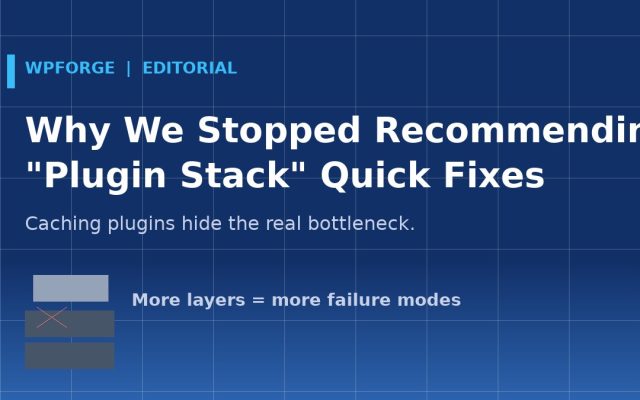
Why We Stopped Recommending “Plugin Stack” Quick Fixes
For years, the standard answer to “my site is slow” was a stack: a caching plugin, an image optimizer, a CDN, a database cleaner, a script manager. Install five plugins,…
General Read articleHands-on WordPress & WooCommerce guides for global merchants: build stores, speed up Core Web Vitals, migrate without downtime and fix critical errors — verified on live servers.
All reviews and benchmarks are produced by the WPForge engineering team — the WordPress & WooCommerce division of DEVDIY — in our own test environments. We are independent: we never accept paid placements or sponsored rankings from theme or plugin vendors. How we test →
The guides in this archive exist because most WordPress disasters are small problems that grew in the dark: a plugin update that conflicts with another, a PHP version bump nobody tested, a migration that lost a redirect map. Each guide walks through one specific failure the way we actually fix it in client work — in order, with the reasoning at each step, so you know why you are checking the database before you blame the theme. They are written to be followed under pressure: short steps, exact commands, and a decision point at every branch so you know when to stop debugging and restore from backup instead.
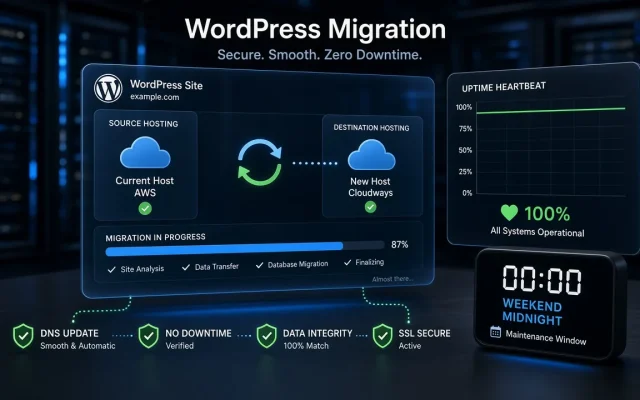
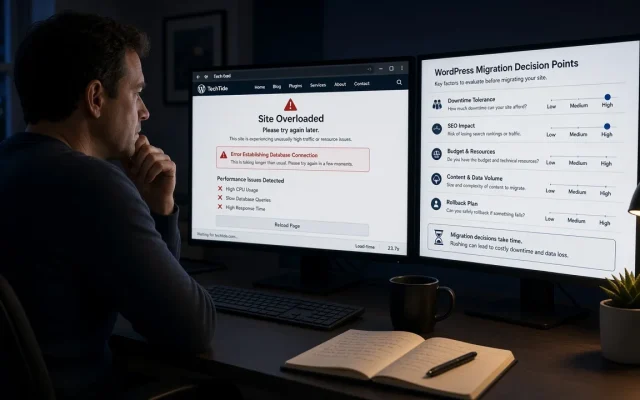
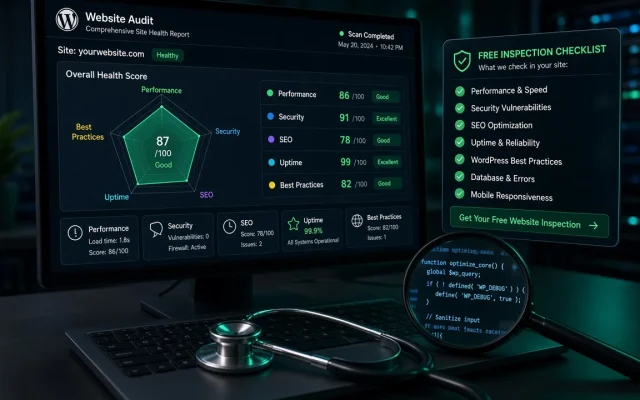
Four groups cover the most common emergencies and the habits that prevent them. Recovery guides handle the acute failures — white screens, critical errors, database connection errors, login loops, 404s everywhere except the homepage. Speed guides go deep on Core Web Vitals, caching layers, image pipelines and the hosting choices that decide your TTFB. Migration guides cover zero-downtime moves, staging-to-production deployments and the rollback plans you should write before you need them. Content guides address the quieter, long-term work: publishing workflows, refresh schedules and measuring what content actually earns its keep. Everything is written and maintained by the same engineers who run the benchmarks across this site, under the rules in our editorial policy; when a guide needs a correction you will see it in the revision log on the page. If the guide you need is missing or the fix exceeds what a weekend of DIY should absorb, start with a free site audit — we would rather tell you a problem is small than have you discover it was not.
For years, the standard answer to “my site is slow” was a stack: a caching plugin, an image optimizer, a CDN, a database cleaner, a script manager. Install five plugins,…
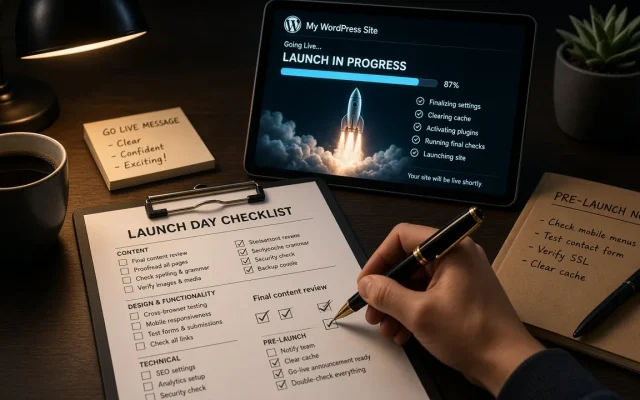
General Read articlePublishing on WordPress feels chaotic because most people click Publish the moment a draft looks done. Here is the checklist-driven workflow I actually run.
Planning & Budget Read articleUpdating existing posts is the highest-ROI work on most WordPress sites, but only with rules. My decision framework for refresh, merge, rewrite, or ignore.
Planning & Budget Read articleTraffic is not ROI. Here is the lightweight measurement setup for a small WordPress site: five metrics, two tools, and the numbers that actually drive decisions.
Planning & Budget Read articleMost content advice assumes a team. Here is the plan I run solo: floor pace, buffers, ruthless scope, and the hours math that keeps it sustainable.
Planning & Budget Read articleAt some point, publishing more hurts more than it helps. The signals that your WordPress site has enough content, and what improvement work looks like.
Planning & Budget Read articleBig tools show big keywords you cannot rank for. Here is the small-site keyword research process that finds low-competition targets worth your writing time.
Planning & Budget Read articleMost content calendars die the first busy month. Here is the buffer-based system I use so publishing continues when client work explodes.
Planning & Budget Read articleA good brief is the difference between a draft that needs three rounds of edits and one that ships. Here is the exact template, with the fields that matter.
Planning & Budget Read articlePublishing more is no longer an edge in 2026. Here is the content strategy I run on WordPress sites now: fewer bets, deeper coverage, faster updates.
Planning & Budget Read articleAI cut my WordPress content production time roughly in half, but only after I stopped using it to write articles. Here is the workflow split that works.
Planning & Budget Read articleThe number is not 100 and it is not 1,000. Here is how to size a WordPress content plan by topic depth instead of a post count pulled from the air.
Planning & Budget Read article