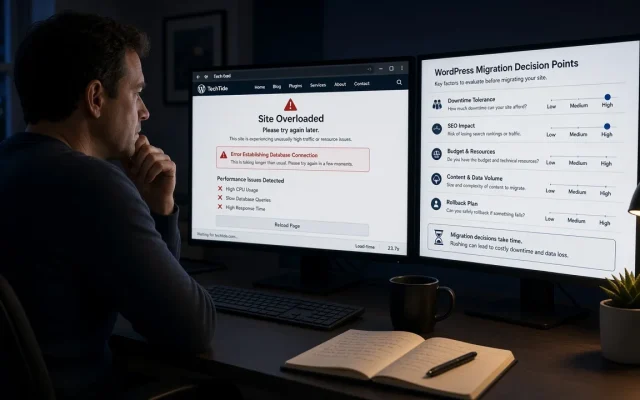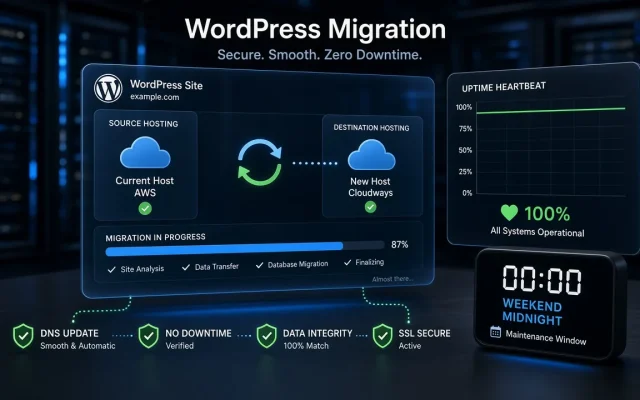
Migrations are disruptive, so nobody wants one on a whim. But sites fail gradually, and the “we’ll fix it later” pile becomes the reason the next launch slips. These are the six signals we see right before clients call us for a migration project.
1. TTFB stays high on cached pages
If a fully cached homepage still responds over ~600ms TTFB, the problem is upstream of WordPress: the host, its PHP configuration or resource contention. Caching plugins cannot fix a slow origin. This is the clearest signal — and the easiest to measure today (see the speed playbook).
2. You hit resource walls at predictable times
Timeouts at peak hours, 502/504 errors during campaigns, checkout slowdowns on sale days. Shared hosting packs neighbors onto your CPU; when your business grows, you outgrow the arrangement — not a WordPress bug.
3. wp-admin is slow
An admin dashboard that takes 8+ seconds to load is not “normal for WordPress”. It usually means a host throttling background work, an oversized autoloaded-options table, or both. The fix is a combination of database tuning and, often, a better environment.
4. Security posture you cannot control
You cannot patch what you cannot reach. If the host blocks staging sites, runs an ancient PHP branch, or shares IP reputation with spammers, moving is a security decision, not a comfort one.
5. The platform pivot
Adding memberships, courses, a B2B portal or multi-language on infrastructure that was chosen for a blog — architecture debt compounds. A migration to a properly planned stack resets it, and pairs well with a custom development phase.
6. The team dreads deployments
When every update is a gamble because there is no staging, no backups you trust, and no monitoring — the environment itself is the liability. Migrating to a stack with staging-first workflows removes the dread permanently.
Tune, rebuild, or move? A quick decision frame
| Situation | Right move |
|---|---|
| TTFB fine, pages heavy | Optimize (caching, images, assets) — no migration needed |
| TTFB high, host unresponsive | Migrate host, tune during the move |
| Growing into new business models | Migrate + rebuild architecture in phases |
| One broken, hack-riddled install | Clean rebuild on staging, then cutover |
Not sure which row you are in? That is exactly what the free WordPress audit answers — measurements first, recommendation second, zero obligation.
Frequently asked
With identical URLs, a correct redirect map and DNS cutover — negligible. Risk concentrates in domain changes and URL restructures, which is where our migration service builds the 301 map and verifies it with a crawler. 1–2 business days end to end for standard sites; large Woo stores 3–5 days including staging verification. The visitor-facing downtime in our workflow: zero.How risky is a migration for SEO?
How long does the typical migration take?