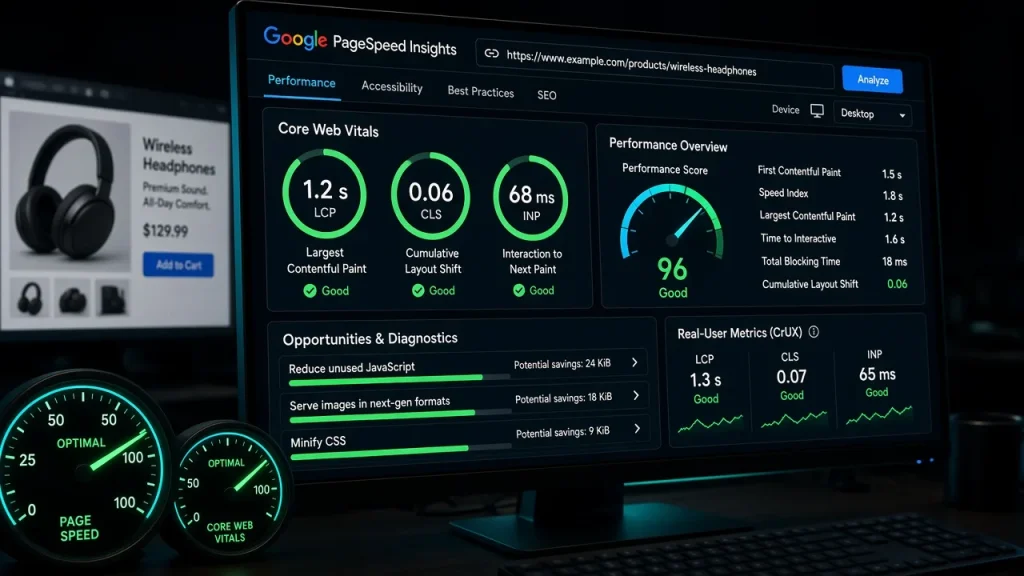
Apply blog advice to a WooCommerce store and you get half the results — stores have bottlenecks blogs never see. This guide covers the store-specific layers, with the numbers from our live store work (the full change-by-change log is in the store performance test).
Bottleneck 1: Cart fragments broke page caching
Historically, the cart fragment AJAX request made WooCommerce mark every shopper’s page uncacheable — stores served everything uncached, which is why stores are slow. Modern handling (cart fragments refreshed via AJAX around a cached page) restores caching for the catalog. Configure your cache plugin’s WooCommerce mode and verify: view a product page logged-in, then curl it — cached HTML should serve either way.
Bottleneck 2: Logged-in variation
Every shopper has session state, so naive caching would leak someone’s cart to someone else. The correct split: cache catalog and product pages, exclude cart/checkout/account. Role-varied content (wholesale pricing) needs role-aware caching — the leak mechanism in the pricing comparison.
Bottleneck 3: Product query load
WooCommerce’s product data store repeats lookups generously. Redis object caching cut our store’s uncached generation from 480ms to 190ms — the single biggest uncached improvement, setup in the Redis guide.
Bottleneck 4: The checkout page’s baggage
Checkouts routinely load theme sliders, marketing trackers, and builder CSS they never use — 400KB+ of JS in our measurement. Unloading non-checkout assets there cut 180KB; the one-rule-at-a-time method is in the script manager guide. A slow checkout is the most expensive slowness on any store.
Bottleneck 5: Category pages at scale
500-product categories with 100-per-page grids multiply images, queries, and DOM. Paginate sensibly, lazy-load below-fold product images, and keep the LCP images eager — the image pipeline in the image guide applies doubly here.
The store caching recipe
- Page cache with WooCommerce-aware exclusions (cart, checkout, account; everything else cached).
- Redis object cache for product queries and sessions.
- Image pipeline with eager LCP on category pages.
- Checkout script diet.
- Measurement after each layer — cached and uncached, logged-in and out.
Expected results
Our reference store went LCP 2.9s → 0.9s and cached TTFB 610 → 91ms with this recipe — no exotic products, just the layers configured for store realities. The free audit identifies which store-specific bottleneck dominates your numbers.
Cart fragments and session state historically defeated page caching, product queries run heavy, and checkout pages accumulate scripts. Each has a standard fix — the recipe is caching plus object cache plus image discipline. Yes — cache catalog and product pages, exclude cart/checkout/account. Modern cache plugins handle the split; wholesale pricing needs role-aware caching on top. Unloaded bloat: theme scripts, marketing trackers, builder CSS — often 400KB+ that the checkout never uses. Audit and unload non-checkout assets there specifically. It is the biggest uncached improvement available: product lookups drop dramatically (480ms → 190ms generation time in our test). Especially valuable for logged-in shopper traffic.Why are WooCommerce sites slower than blogs?
Can you cache pages for logged-in WooCommerce customers?
What slows down WooCommerce checkout?
Do I need Redis for my WooCommerce store?