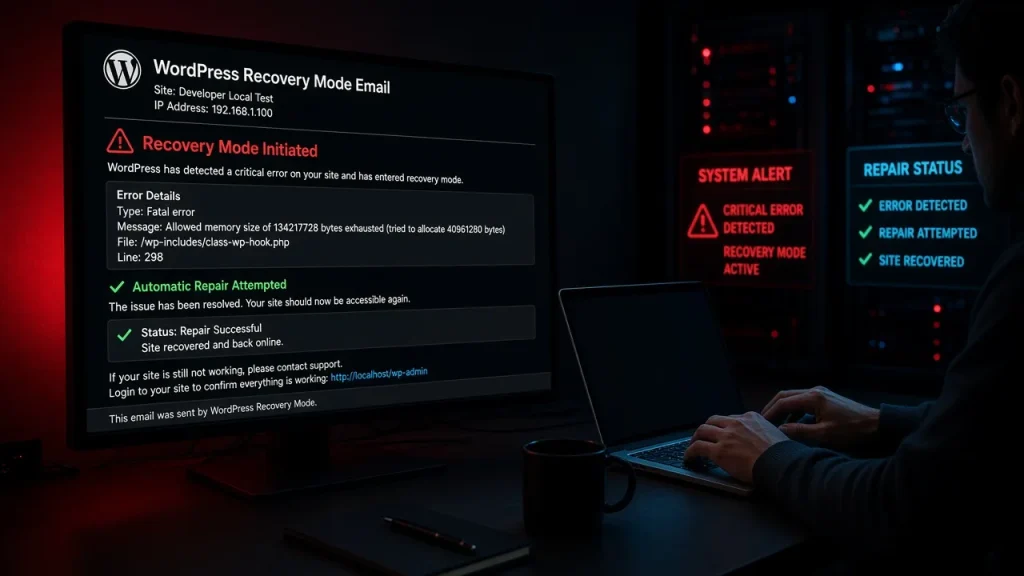
Hosting panels now push PHP upgrades hard — and when the site breaks afterward, the errors look alien: “Function create_function() is deprecated”, “The each() function is removed”. This guide decodes the messages and gives the safe order to make the upgrade stick.
What actually breaks
Old PHP code does not age into new PHP — three failure classes:
- Deprecated warnings (PHP 7→8): the code uses functions scheduled for removal. Site still works; warnings fill the log. These are the smoke alarm — fire comes at the next major version.
- Fatal errors on removed functions (PHP 8):
create_function(),each(), and friends no longer exist. Any plugin still calling them fatals — usually with “Call to undefined function”, decoded in the log guide. - Strictness changes (PHP 8): passing invalid types to functions that silently coerced before now throws
TypeError. Old themes and plugins written loosely take the brunt.
The safe upgrade order
- Check compatibility before upgrading: the Site Health screen (Tools → Site Health) lists plugins/themes with PHP compatibility flags;
wp plugin list --fields=name,update_version --allow-rootplus each plugin’s changelog covers the rest. - Update everything first, on the current PHP version. Plugins updated to their latest releases are dramatically more likely to support the new PHP.
- Upgrade on staging (or the panel’s PHP version selector on a staging copy) and click through the critical flows: checkout, forms, login.
- Then upgrade production during low traffic, with a tested backup in hand.
- Watch the log for 48 hours. Deprecated warnings appearing now tell you which plugin breaks at the next upgrade — schedule its replacement.
If the upgrade already broke the site
- Roll the PHP version back in the hosting panel — instant, and buys time to update the broken plugins properly. This is the fastest path back online.
- Identify the failing plugins from the log (the paths name them), update each, then re-attempt the upgrade.
- Abandoned plugins that fail: do not chase compatibility patches — replace them. The security angle applies too: unmaintained code fails upgrades and audits alike.
Which PHP version to target
The newest version your plugins formally support — not the newest the panel offers. Every major PHP release removes APIs; running the bleeding edge with one lagging plugin is how sites break. PHP 8.1–8.3 is the current sweet spot for WordPress stacks in 2026.
Plugins or themes calling functions removed in the new PHP version — create_function() and each() are the classics. Roll back PHP first, update the named plugins, then upgrade again. Tools → Site Health flags known incompatibilities, and each plugin's WordPress.org page states tested versions. Update everything to latest before upgrading PHP. The code uses a function scheduled for removal. The site works now but that code dies at the next major PHP upgrade — treat it as a schedule for replacing or updating the plugin. Target the newest version your plugins formally support — typically 8.1–8.3 today. Bleeding edge with a lagging plugin is the classic breakage scenario.Why did my site break after a PHP upgrade?
How do I know if my plugins support PHP 8?
What does 'deprecated' mean in my WordPress log?
Should I upgrade to the newest PHP version?